Get started
OpenBrowserHarness ships as a Chrome/Edge MV3 extension. You build it from source and load it unpacked.
Prefer not to build? Every GitHub release carries a ready-to-install zip: download it, unzip, and load the folder as unpacked — the rest of this page still applies.
Requirements
- Node.js ≥24.9 and pnpm, to build (the workspace
enginesfield enforces it). - Chrome or Edge ≥134 — the side panel uses newer JavaScript features.
Build and load
git clone https://github.com/clear2x/openbrowserharness.git openbrowserharness
cd openbrowserharness
pnpm install
NODE_OPTIONS=--max-old-space-size=4096 pnpm run build:lib
pnpm run build:extension
The lib build compiles the whole workspace package set and needs the larger heap shown above (the same setting CI uses); a default-heap build can fail with an out-of-memory error partway through.
In Chrome or Edge, open chrome://extensions (or edge://extensions), enable Developer mode, choose Load unpacked, and select apps/extension/dist.
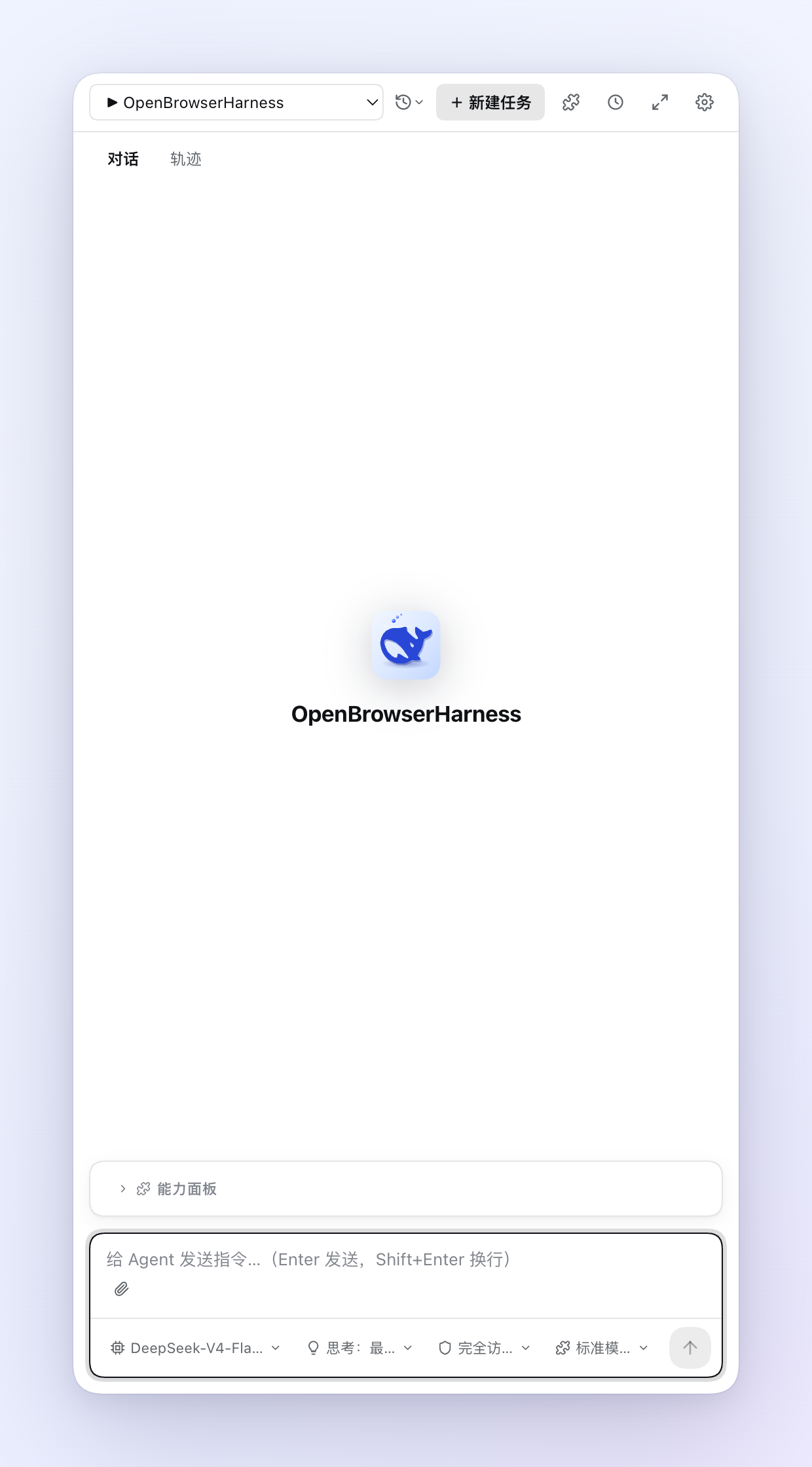
The panel opens on a welcome screen:
Configure a model
Click the extension's toolbar icon to open the side panel, open Settings, and pick a provider — DeepSeek and Zhipu GLM ship as presets — then paste your API key. See Configure models for custom endpoints and reasoning-effort settings.
Run your first task
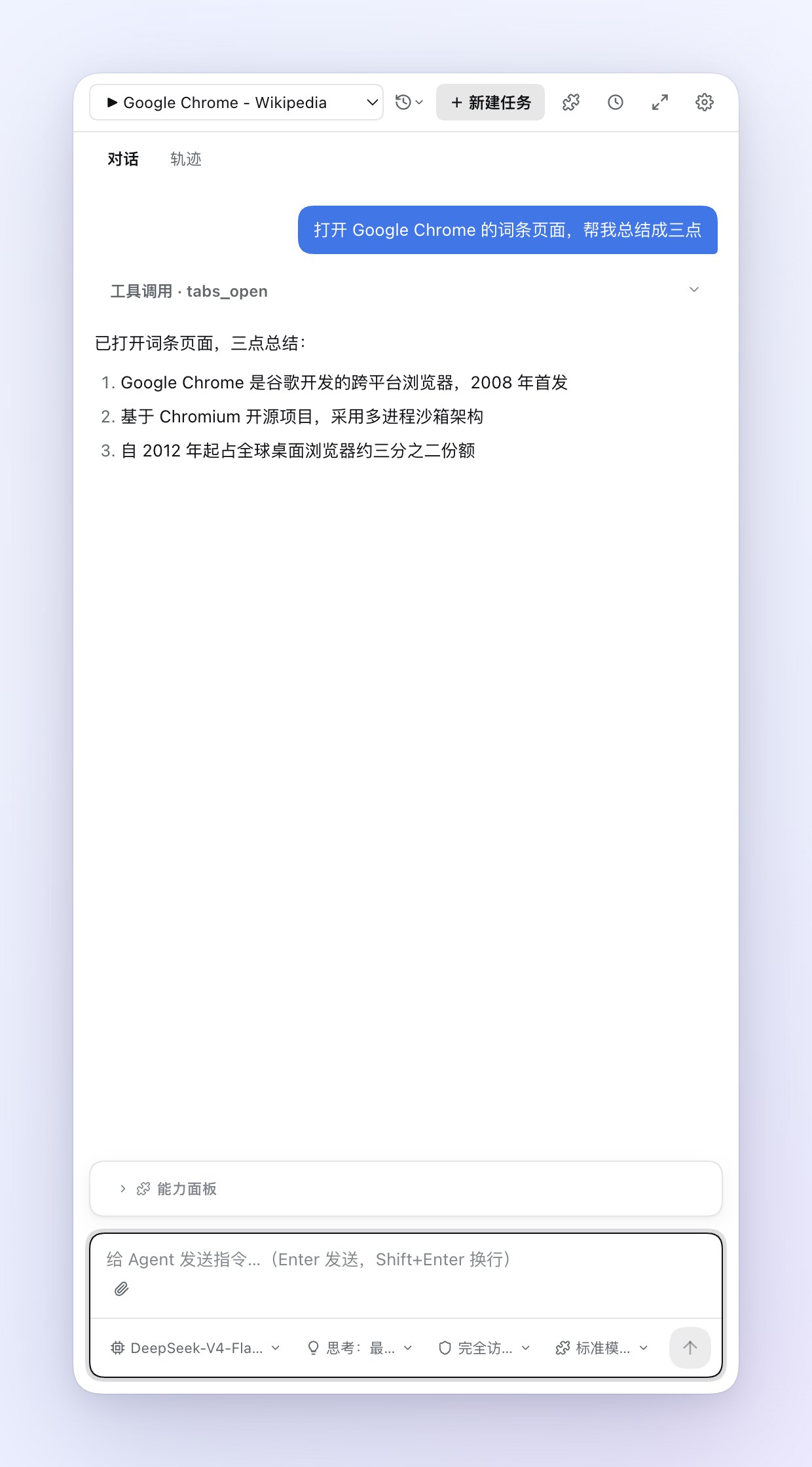
Type a task into the composer, for example: "Open the Google Chrome article on Wikipedia and summarize it in three takeaways."
The agent plans the task, opens a tab, reads the page, and answers in the panel. While it works you see the virtual cursor move over the real page, and the browser shows its "started debugging" banner because input is driven through the Chrome DevTools Protocol.
Approvals
Depending on the permission tier, a tool action either runs at once or raises an approval card in the panel and waits for your click. New sessions start in full access; use the shield chip in the composer to tighten to per-change or per-action confirmation at any time. See Permissions and safety.
Sessions survive restarts
Conversations are event-sourced into the browser's IndexedDB. If the browser reclaims the agent process, the next message repairs the session and resumes the same conversation.